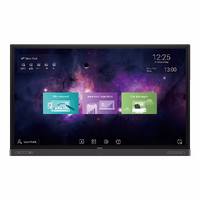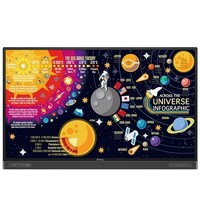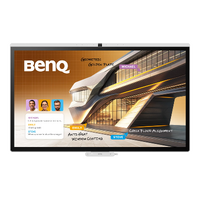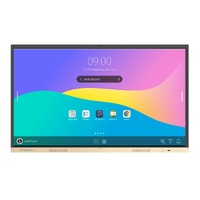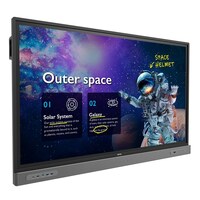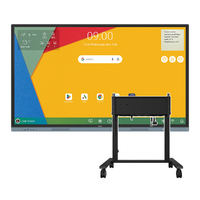

BENQ 65 RM6505 4K UHD 450 NITS 15001 CONTRAST ANDROID 15 - WIFI INCLUDED
- Google EDLA Certified Google Play support
- 10 TOPS NPU Industry-leading AI
- Built-in AI features Do-it-all teaching assistant
- Eyesafe 3.0 Max blue light protection
- 50W sound system Powerful crisp audio
- Directory sync Auto account setup
- Multi-user login QR code and NFC
- Android 15 Future upgradeable
Providing the simplicity and security that IT and teachers demand
Skip manual account setup with directory sync and manage users from Google Microsoft ClassLink Clever and other identity providers. Enable single sign-on with existing credentials for fast secure device access.
Personal secure workspace on every display
Teachers can log in securely with single sign-on and access their personalized workspace complete with app shortcuts wallpapers and cloud storage.
End-to-end management ecosystem
Device app and account management is easier than ever significantly easing the burden on IT.
For every classroom situation
Smart tools. Effortless to teach with. The most advanced AI built right into your interactive display.
- Ask AI Get answers on the spot
- Lasso Search Circle search discover
- EZMath Neat legible formulas and shapes
- Circle to Artify From notes and sketches to art
Elevate what matters your students’ experience
Designed for today’s teaching styles and the evolving classroom of the future.
Do-it-all whiteboard
Go beyond writing and drawing with EZWrite 6. Expand the whiteboard split sections for group activities and enrich lessons with 3D images templates and live camera feeds.
Share interact and captivate
Wireless screen sharing is easy with InstaShare 2. Cast from a laptop or mobile device whether its the full screen an app or media like photos videos camera feed or Office files. It also ensures a focused classroom by automatically blocking inappropriate content.
Tools as diverse as today’s classrooms
No two learning environments are alike. The RM05 provides the adaptability to help every student excel.
- Scrolling ink Ink moves with the pages as you scroll in Note Browser
- Ink freely Floating Tool lets you add notes and highlights on top of apps docs or screens.
- Side-by-side drag and drop Easily move content from different apps
- Go big Display-to-projector mirroring for larger environments
- Double your workspace More space with screen extension
- Max compatibility Support Android Windows MacOS ChromeOS and more
Easy adoption first and foremost ease of use a close second
Designed for easy onboarding with a wide range of resources to help teachers and IT optimize the BenQ display experience.
(RM6505)
| SKU | RM6505 |
| Barcode # | 4718755096082 |
| Brand | Benq |
Be The First To Review This Product!
Help other Technologies 2000 (Aust) Pty Ltd users shop smarter by writing reviews for products you have purchased.